7 Instagram settings that push reels further
Trial reels, trending audio, sharing toggles. Seven native settings that control how far your reels travel, and how to set each one.
The seven settings
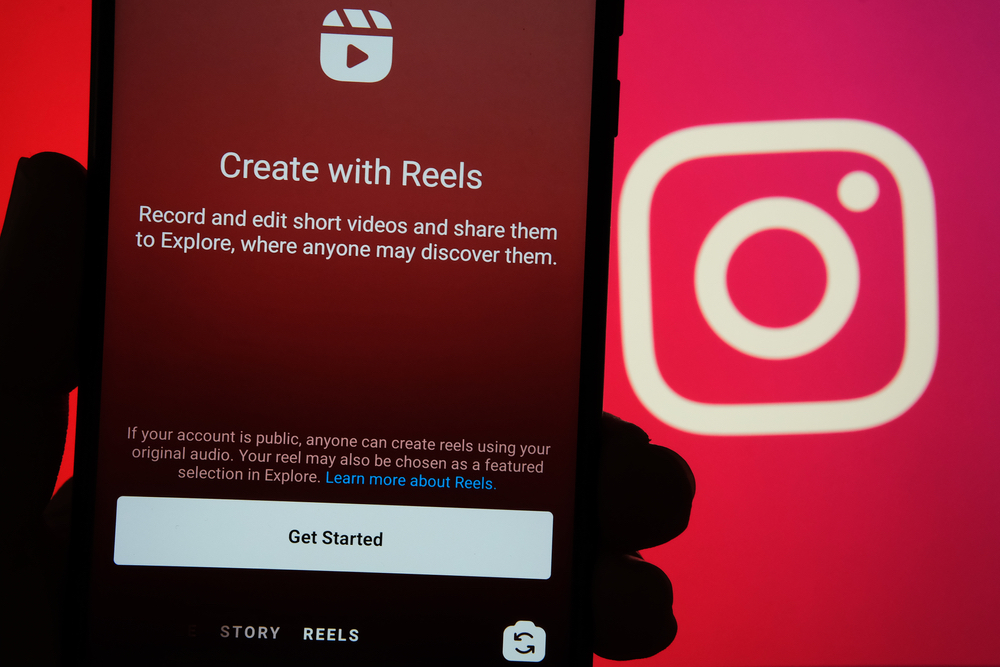
Creator @therealbrianmark breaks down seven native Instagram settings that control reel distribution: Monthly Recap, Inspiration, Trending Audio, Sharing and Reuse, Trial Reels, Recommendations, and Content Preferences. None require third party tools. All live inside the app you already post from.
- Monthly Recap and Inspiration for trend research
- Trending Audio to ride current sounds
- Sharing and Reuse turned on for maximum distribution
- Trial Reels to test with a cold audience first
- Recommendations and Content Preferences tuned to your niche
The two that matter most
Sharing and Reuse is the distribution toggle. When it is on, Instagram can surface your reel in more places. Trial Reels is the testing ground: toggle it on before posting and Instagram shows the reel to a trial audience first, so you learn what lands before your followers ever see it.
Your next step
Open Instagram settings right now and check all seven. Turn on Sharing and Reuse, then post your next reel as a Trial first. Compare the trial performance against your last three normal posts before deciding what goes wide.
Watch the 7 settings walkthrough
Sources and further reading
Sources were checked for this article. Tool features, prices and availability can change. Product claims are attributed to their publishers.