10 Claude Skills That Make Your App Look Expensive
Claude builds what you tell it to build. These 10 skills teach it to build interfaces that look expensive. What each one does, where to get it, and how I am using them on my own site.

What a Claude skill actually is
A Claude skill is a folder of instructions that teaches Claude how to do one job well. You install it once. After that, Claude reads it automatically whenever the task fits. No extra prompting. No pasting long instructions every time.
Think of it like hiring a specialist. You would not ask your videographer to also do your taxes. Skills give Claude that same focus. One skill for design direction. One skill for color systems. One skill for mobile layouts.
Installation takes about a minute per skill. Add it as a Claude Code plugin, pull it with npx, or copy the folder into your skills directory. Every repo is linked in the sources below so you can grab them directly.
Start with these two
Frontend Design, the official skill by Anthropic. This is the one you install first. It forces Claude to pick a real visual direction before writing a single line of code. Brutalist, editorial, retro futuristic, refined minimal. It also blocks the generic defaults that make every AI built site look the same. Same font, same gradient, same three cards. If your Claude output looks cheap, this skill is the fix.
UI UX Pro Max. This is the heavyweight. Searchable design intelligence with dozens of styles, nearly 200 product palettes, 74 font pairings, and over 100 UX guidelines. Tell it what you are building and it picks a design system that fits the product. A fintech dashboard gets a fintech system, not a generic template. This is the skill that makes Claude reason about design the way a senior designer would.
Make Claude critique its own work

Impeccable. Point Claude at a finished interface and get a structured critique. It reviews the work against real design principles instead of just saying it looks good. Run it after every build and your output tightens fast.
Interface Design. Focused on hierarchy and composition. It asks the right review questions. What does the eye hit first. Does the layout guide you toward the action. Keep your project design notes as the single source of truth and let this skill check new work against them.
The polish layer
Responsive Craft. Your site lives or dies on mobile. This skill checks exactly how components behave across screen widths, scrolling, keyboard states, and safe areas. It is the difference between a site that works on your laptop and a site that works everywhere.
Hue. Color systems done right. Reusable token models and component specimens so your palette stays consistent across every page. No more five slightly different purples drifting through your site.
Scroll Craft. For premium scroll driven pages. It treats motion and craft as one job instead of two. The skill ships with worked examples of real approved sites so you can see the quality bar before you build.
Epic Design and Mobile App UI Design round out the ten. Epic Design focuses on cinematic scrolled layouts. Mobile App UI Design covers native feeling mobile patterns. I could not verify standalone repos for these two, so start from the curated collections linked below and you will find them or their closest equivalents.
Where to find everything
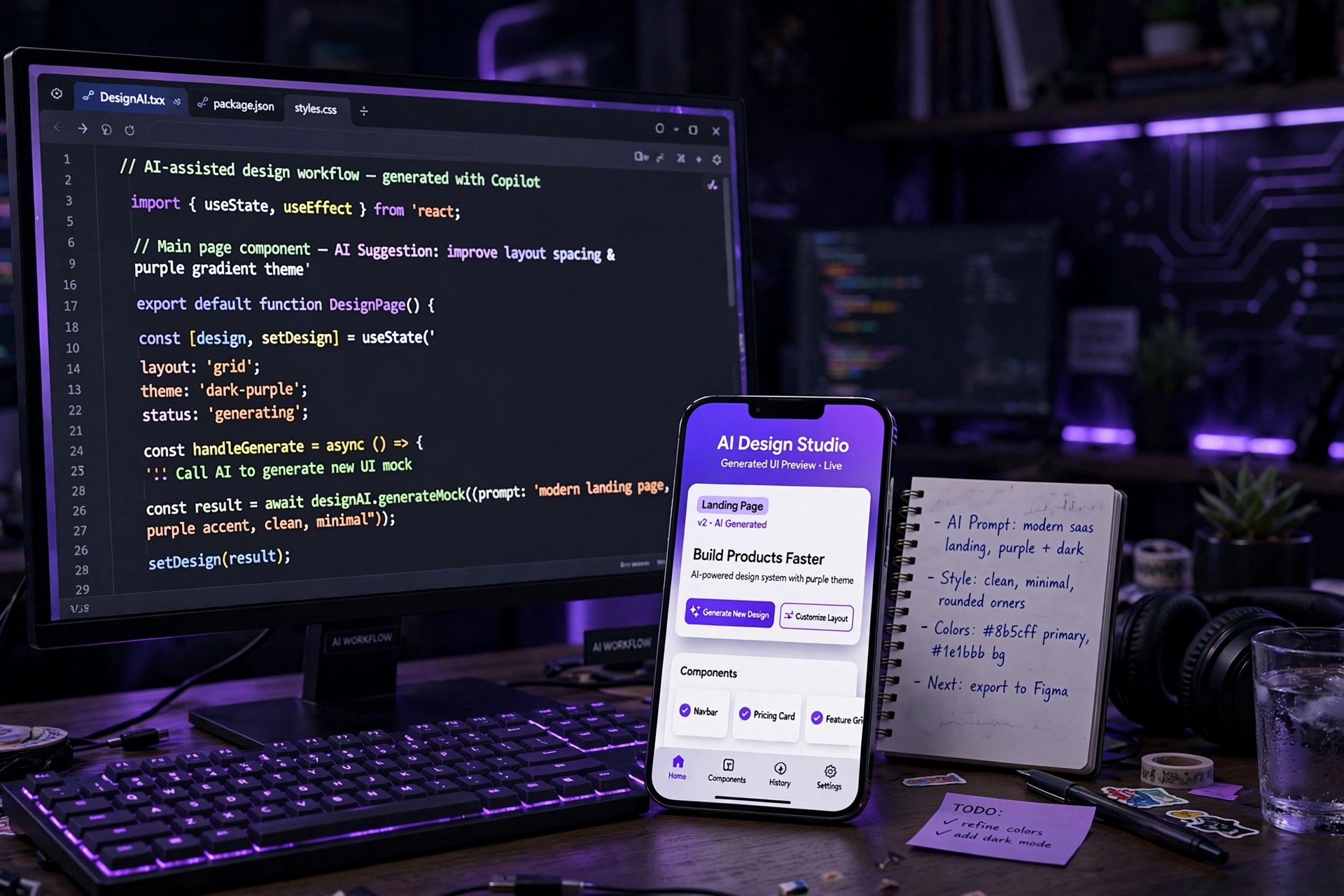
Two collections worth bookmarking. The awesome Claude skills list is a curated directory of skills across every category, design and beyond. Start there when you want to browse.
The design workflow collection by DanielNoamTuby is a full pipeline in seven skills. Challenge the plan, write the brief, define the information architecture, set the design tokens, break the work into tasks, build the frontend, then review it. Each skill also works on its own.
The install pattern is the same for all of them. As a Claude Code plugin with the plugin add command, with npx skills add plus the repo URL, or by cloning the repo and copying the skill folders into your .claude/skills directory. For team projects, install at the project level so everyone shares the same skills.
How I am using these on my own site
I am rebuilding jamaaltreasures.com right now and these skills are going straight into the process. The official Frontend Design skill sets the art direction. UI UX Pro Max picks the system. Impeccable reviews the output. That is the loop. Direction, system, review.
The goal is simple. When someone lands on the site they should know what I sell, what it costs, and what to do next within five seconds. The $80 reel. The $450 event package. One clear action per section. These skills keep every page honest about that.
Your next step
If you are building an app or a site and it looks cheap, the problem is probably not your idea. It is that nobody gave your AI a design standard. Install the two foundation skills, run them on your next build, and watch the difference.
And if you would rather have someone handle the whole thing, that is what I do. I build business websites that are designed to convert, not just look nice. Check the pricing link below and let us talk.
Sources and further reading
- Anthropic official frontend-design skill
- UI UX Pro Max skill by nextlevelbuilder
- Impeccable interface critique skill
- Interface Design skill
- Responsive Craft skill
- Hue design token skill
- Scroll Craft premium scroll websites skill
- Awesome Claude skills curated list
- Design to build workflow skill collection
- Adam Hayes reel: 10 Claude Skills That Make Your App Look Expensive
Sources were checked for this article. Tool features, prices and availability can change. Product claims are attributed to their publishers.