Canva Built Its First Image Model From Its Own Templates and It Opened at Number Four
Canva launched Craft, its first in house AI image model, trained on millions of designer made templates from its own library. It debuted at number four on the DesignArena leaderboard.
A first model with a head start
Canva just launched Craft, the company first in house AI image model, and it debuted at number four on the DesignArena crowdsourced leaderboard, behind only three OpenAI models. For a first attempt from a design platform, that is not a quiet entry.
The head start is the training data. Craft was trained on millions of designer made templates like menus, slides, and posters from the Canva library itself. Most model builders scrape the open web and hope for the best. Canva spent years collecting exactly the kind of finished design work its users ask for every day.
It plans the layout before it draws
The model plans each layout before drawing it, using a two step architecture. That ordering matters for anyone who has watched an image model produce a beautiful poster with the headline in the wrong place and the text spelled like a dream.
Because the layout comes first, Craft images convert easily into editable designs through a feature called Magic Layers. A generated flyer is not a flat picture you are stuck with. It opens as a design you can move, retype, and recolor inside the tool you already use.
The scores behind the launch
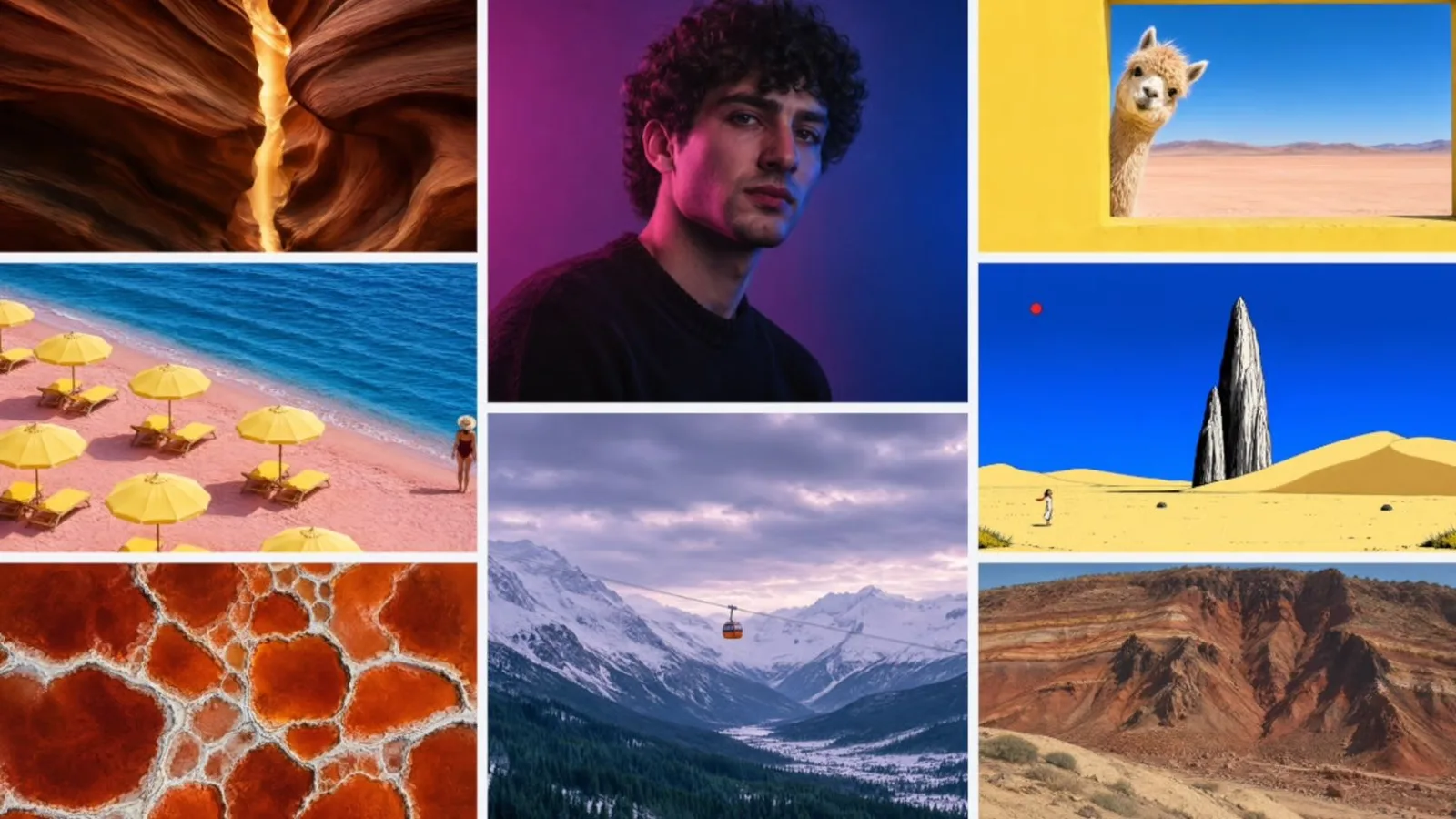
Craft posted a 1340 score on DesignArena, beating the top models from Microsoft, Google, and xAI, while also landing at number one overall in the portrait and nature categories. Leaderboards move fast and crowdsourced voting has its own tastes, so treat the rank as a strong opening signal rather than a permanent crown.
The distribution may matter more than the score. Craft is live for all Canva platform users and through a public API, with access for external assistants and agents through MCP also on the way. That puts near frontier image capability in front of more than 250 million users on Canva terms, inside the app they already open.
Why editable beats impressive
Most AI image tools compete on the first look. A stunning image that cannot be edited is a dead end for real client work, because the client will always ask for the date moved, the price changed, or the logo bigger. The tool that wins the job is the one whose output survives the revision round.
That is the practical shift Craft represents. Generation is becoming a starting point inside a design file, not a finished file you download and defend. Creators who build templates, keep layers clean, and design for revision will get more from these models than creators chasing one perfect prompt.
What to try this week
If you make flyers, menus, decks, or social posts for clients, Craft is worth a direct test against the image tool you already pay for:
- Generate one real event flyer, then change the date and price using only the editable layers
- Time the full job from prompt to export, including every fix the client would ask for
- Compare text accuracy on names and prices, where image models usually fail first
- Save your best result as a reusable template, because the template is the asset that compounds
Owning the library is the moat
Canva did not out compute the frontier labs. It out collected them, turning years of user made templates into training data no rival can scrape. The lesson travels well beyond one app: the work you have already made, organized and owned, can become the advantage your next tool is built on.
Sources and further reading
Sources were checked for this article. Tool features, prices and availability can change. Product claims are attributed to their publishers.