Wisecut auto edits your silences and adds the punch
Upload raw footage, get back a paced edit with music and cuts. The rough cut builds itself.
The auto rough cut
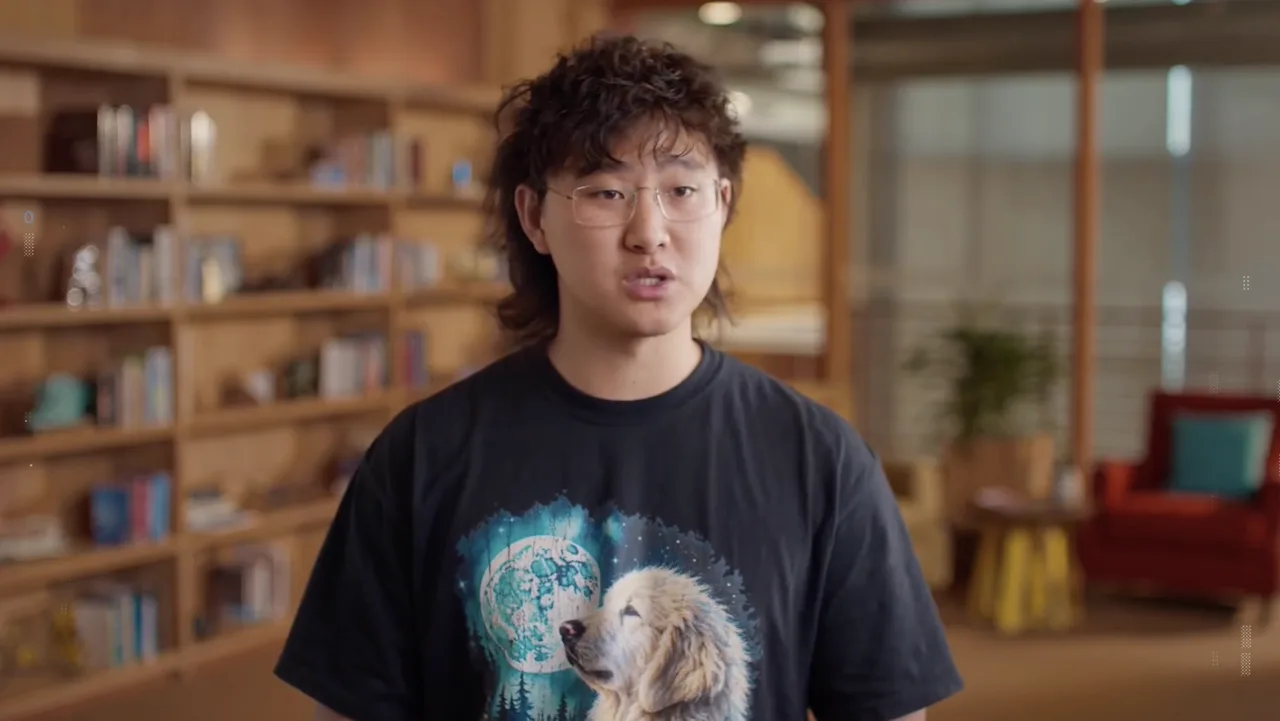
Wisecut analyzes your talking head footage, removes silences, adds background music that ducks under speech, and punches in for emphasis automatically.
What took two hours now takes ten minutes of review. You direct, it executes.
Direct the AI
You still make the creative calls. Set the pacing style, choose the music mood, and review every cut. AI proposes, you dispose.
It works best on single speaker content: tutorials, vlogs, courses, testimonials.
Finish strong
Export the auto cut, then do a human pass for story flow and brand polish. The AI handles tedium, you handle taste.
Next step: run your next talking head video through Wisecut before you touch the timeline.
Feed it good audio
Auto editing works best with clean audio. Record in a quiet room with a decent mic. The AI cannot fix what it cannot hear.
Do a test run on a five minute sample before committing a whole project. Calibrate expectations early.
Your Monday action plan
Take your next raw talking head recording and run it through Wisecut before opening your editor.
Review the auto cut, make your creative passes, and compare total edit time to your previous video.
Sources and further reading
Sources were checked for this article. Tool features, prices and availability can change. Product claims are attributed to their publishers.