Kling for AI video motion that actually looks real
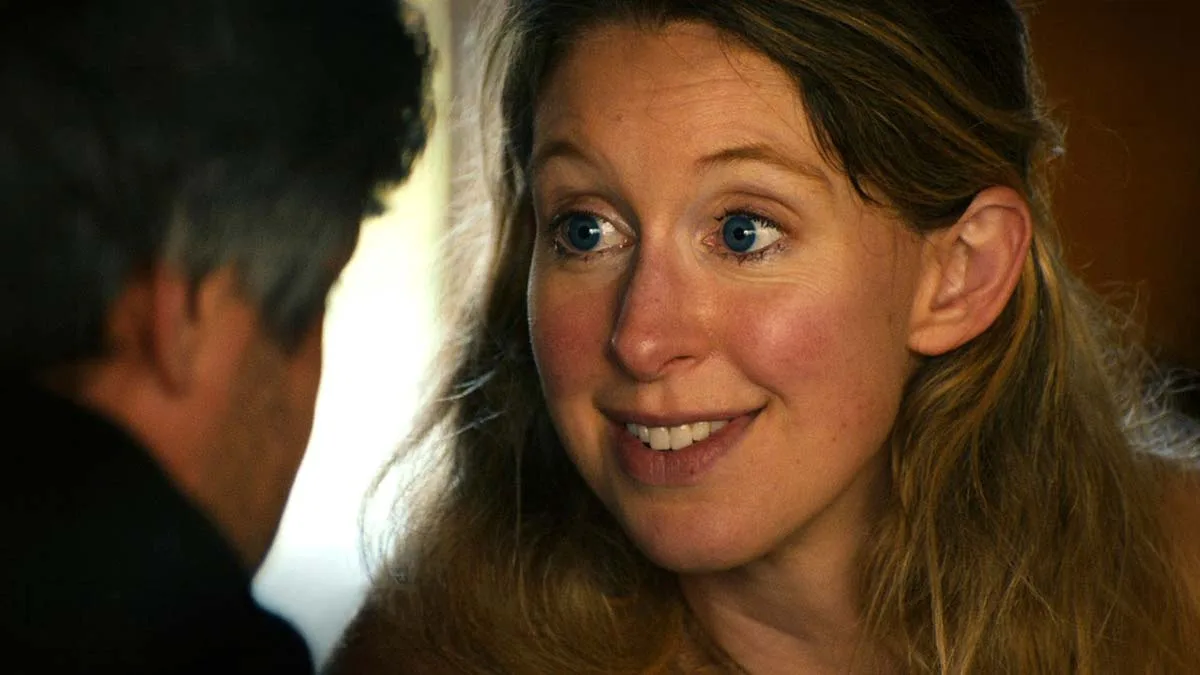
Most AI video has that uncanny wobble. Kling gets human motion right, which changes what you can generate.
Why motion matters
Bad AI video fails on hands, faces, and physics. Kling handles complex motion better than most, which means usable clips of people moving naturally.
That opens up lifestyle b roll, fashion clips, and scene fillers that used to scream AI.
Best use cases
Crowd scenes, walking shots, fabric and hair movement, product in hand demos. Anything where realistic human motion sells the shot.
- Keep clips under 5 seconds
- Avoid fast action or fighting
- Test faces at full size before publishing
Stay honest
Label AI generated content where platforms require it. Audiences respect transparency more than they punish imperfection.
Next step: generate one lifestyle clip for your next project and see if your audience can tell.
Composite with real footage
The most convincing AI shots are composites: real background, AI element, or vice versa. Full AI scenes raise suspicion, blends pass unnoticed.
Match film grain and lens characteristics. Technical consistency is invisible, inconsistency screams fake.
Your Monday action plan
Identify one scene in your current project that needs lifestyle b roll you cannot film.
Generate three Kling variations, composite the best with your real footage, and test audience reaction.
Sources and further reading
Sources were checked for this article. Tool features, prices and availability can change. Product claims are attributed to their publishers.