ElevenLabs voiceovers for reels and ads that sound human
A good AI voiceover can carry a whole ad. Here is how to make it sound like a real person, not a robot.

Pick the right voice
Browse the voice library for a voice with natural pacing, not the most dramatic one. For ads, warm and conversational beats deep and cinematic every time.
Clone your own voice if you want consistency across every video without recording.
Write for the ear

AI voices read punctuation literally. Use commas for pauses, periods for full stops, and keep sentences short. Write numbers as words.
Read your script out loud first. If you stumble, the AI will too.
Mix it like a pro
Drop the voiceover slightly under background music, add a touch of room tone, and cut breaths between sentences in your editor. Small polish, big difference.
Next step: take your best performing caption, turn it into a 30 second voiceover, and post it as a reel this week.
Direct the performance
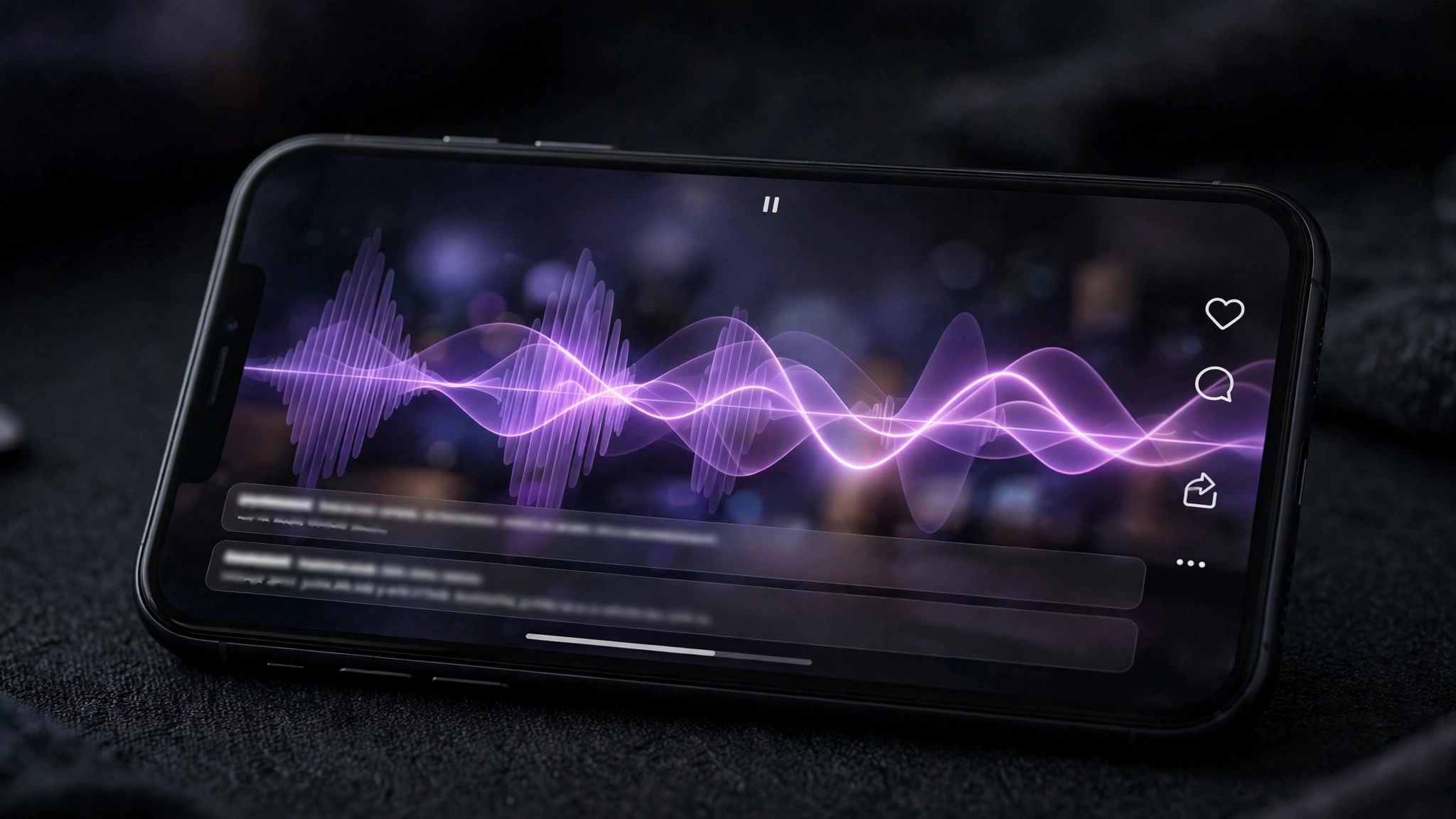
AI voices need direction like actors. Add stage directions in brackets: [warmly], [with energy], [pause]. The model reads these as tone cues.
Generate the same line three ways and comp the best words together. Nobody gets a perfect take in one pass, human or AI.
Your Monday action plan
Adapt your best post into a 30 second voiceover script.
Generate in ElevenLabs and publish as a reel this week.
Sources and further reading
Sources were checked for this article. Tool features, prices and availability can change. Product claims are attributed to their publishers.