

Make your next cover art work before anyone presses play.
Your artwork needs to look good as a tiny thumbnail and arrive in the right format. Here is a clear checklist for your next single.
Give the song one visual idea
Choose a mood and a clear focal point before adding fonts or effects. Send the exact artist name, release title, references and distributor submission deadline. Supply original images you have permission to use, rather than screenshots.
Check the design both full size and as a small thumbnail. Look for readable text, sharp source images and important details too close to the edges.
Check the delivery file
DistroKid calls for JPG artwork in RGB color space. It recommends a square 3000 by 3000 pixel image, with a minimum of 1000 by 1000. Enlarging a small image cannot restore detail that was never there.
Its guidance excludes URLs, QR codes, prices, streaming service logos and social platform logos. It also warns against poor quality imagery and duplicate artwork across releases. Recheck your actual distributor’s requirements before submission; a design is not a guarantee of acceptance.
Build the release around it
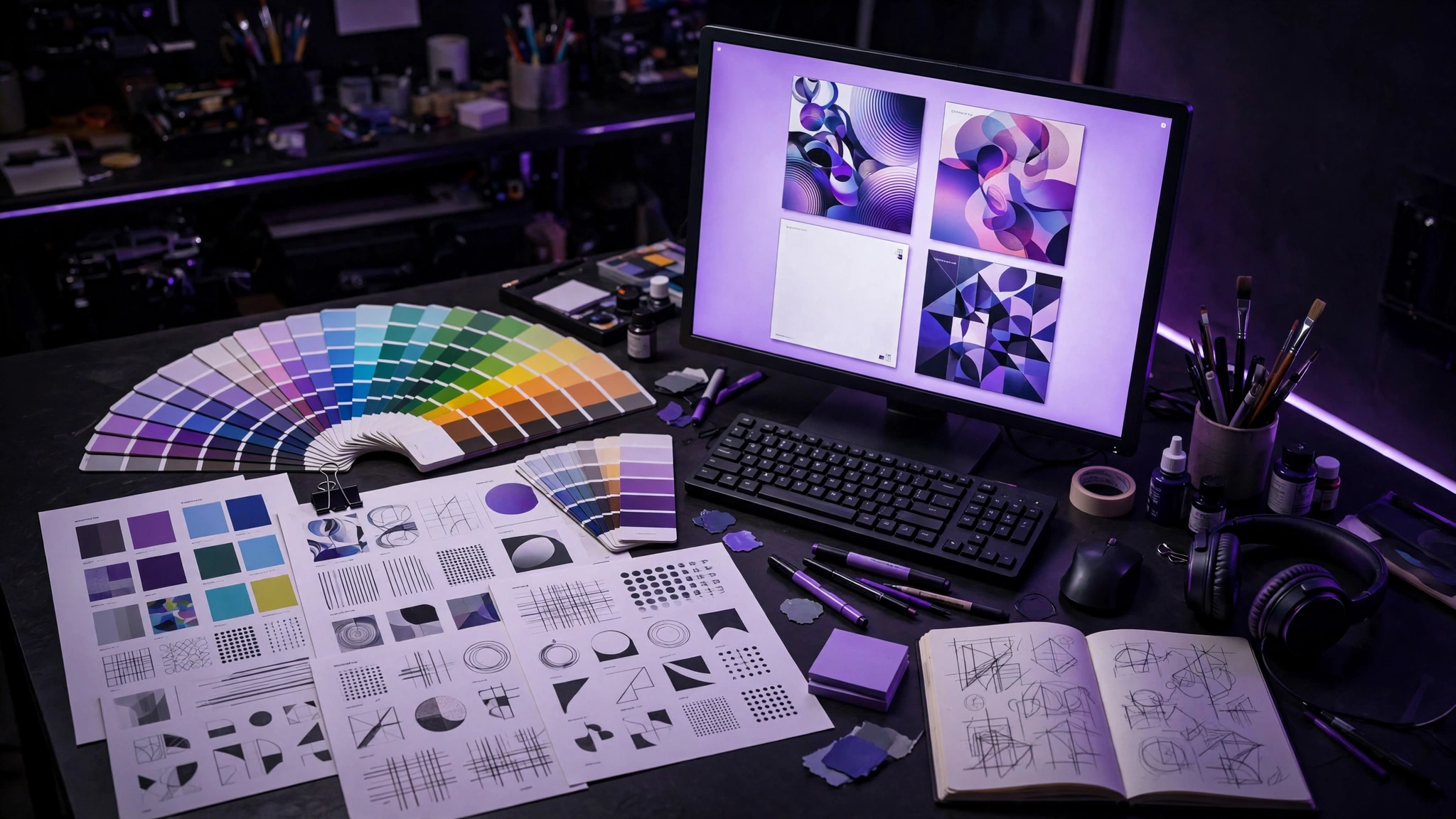
Use the approved cover’s colors and visual idea to connect your social posts, reels and video direction. Each format still needs its own composition.
Jamaal’s Cover Art service is $50. Send your track, exact release text, references and deadline. Agree the scope and final files before work begins, then check every name and letter before approval.
Sources and further reading
Sources were checked for this article. Tool features, prices and availability can change. Product claims are attributed to their publishers.